
If you have been looking for Ulysses on Windows, here is the short answer: it does not exist, and it is not coming. Ulysses is built only for Apple devices, Mac, iPhone, and iPad. There is no official Windows version, no web version, and no Android version. The team has been clear that staying Apple-only is a deliberate choice, not a roadmap gap.
So the real question is not "where do I download Ulysses for Windows." It is "which Windows app gives me what I actually wanted from Ulysses." That is what this guide answers, honestly, including where each option wins and where it falls short.
What people actually want from Ulysses
Before picking a replacement, it helps to name what makes Ulysses worth chasing in the first place. Strip away the Apple polish and three things remain:
- A library that holds a whole project, not just one document. Ulysses keeps every sheet, chapter, and note inside groups, so a 90,000-word manuscript stays organized instead of scattered across files.
- A calm, focused editor that gets out of the way while you write.
- Clean export, so the finished work leaves the app in the format you need.
A good Windows alternative should cover at least the first two. The third matters more for bloggers than novelists. Keep that list in mind as you read, because the right choice depends on which of these you care about most.
There is also a quieter requirement that Ulysses itself struggles with: owning your files. Ulysses stores its full feature set in a proprietary format that only Ulysses can open, and its sync runs through iCloud. If you are leaving the Apple world, this is the perfect moment to also leave that lock-in behind.
The honest shortlist
iA Writer (Windows version available)
iA Writer is the closest thing to Ulysses in feel. It is a minimalist Markdown editor with the same quiet, typography-first aesthetic, and it has a real Windows app. It is a one-time purchase rather than a subscription, which many former Ulysses users appreciate.
Where it falls short: iA Writer is an editor, not a project organizer. It works with folders of plain files, but it has nothing like Ulysses groups, filters, or a true manuscript library. For a short story or a blog, it is excellent. For a novel with forty chapters and a folder of research, you will outgrow it.
Best for: writers who loved the Ulysses writing surface and write in shorter pieces.
Obsidian (free)
Obsidian is free, cross-platform, stores everything as plain Markdown files on your own disk, and is endlessly extensible through community plugins. On file ownership, nothing beats it: the files are just text on your drive.
Where it falls short: Obsidian is a notes and knowledge app that you bend into a writing tool. There is no built-in manuscript structure, compile, or export pipeline, and getting it to behave like a writing studio means assembling plugins and learning its quirks. Powerful, but it asks for setup time that Ulysses never did.
Best for: tinkerers who enjoy building their own system and want zero cost and zero lock-in.
Typora (low one-time price)
Typora is a beautiful, live-preview Markdown editor for Windows, sold once for a small fee. The writing experience is genuinely lovely, very close to the clean feel Ulysses fans want.
Where it falls short: like iA Writer, it is a single-document editor with no project library. Organization is whatever your folder structure happens to be.
Best for: people who only want the editor, not the organizer, and prefer Markdown.
Scrivener for Windows (one-time, around $60)
Scrivener is the heavyweight. It has the deepest organization of anything here: binder, corkboard, outliner, research folders, compile to many formats. If raw power is the only axis, Scrivener wins, and it is a one-time purchase.
Where it falls short: the learning curve is real, the Windows interface feels dated, and many writers buy it, feel overwhelmed, and never use a third of it. It is a professional tool that asks for a professional time investment up front.
Best for: writers who want maximum control and are willing to climb the curve.
QuillSpace (one-time purchase, Windows and Mac)
QuillSpace sits in the gap most of the list leaves open: a real manuscript organizer that you can actually pick up in an afternoon. It gives you a visible folder structure for chapters, scenes, and notes, a focus mode for distraction-free drafting, and a clean editor, without Scrivener's complexity.
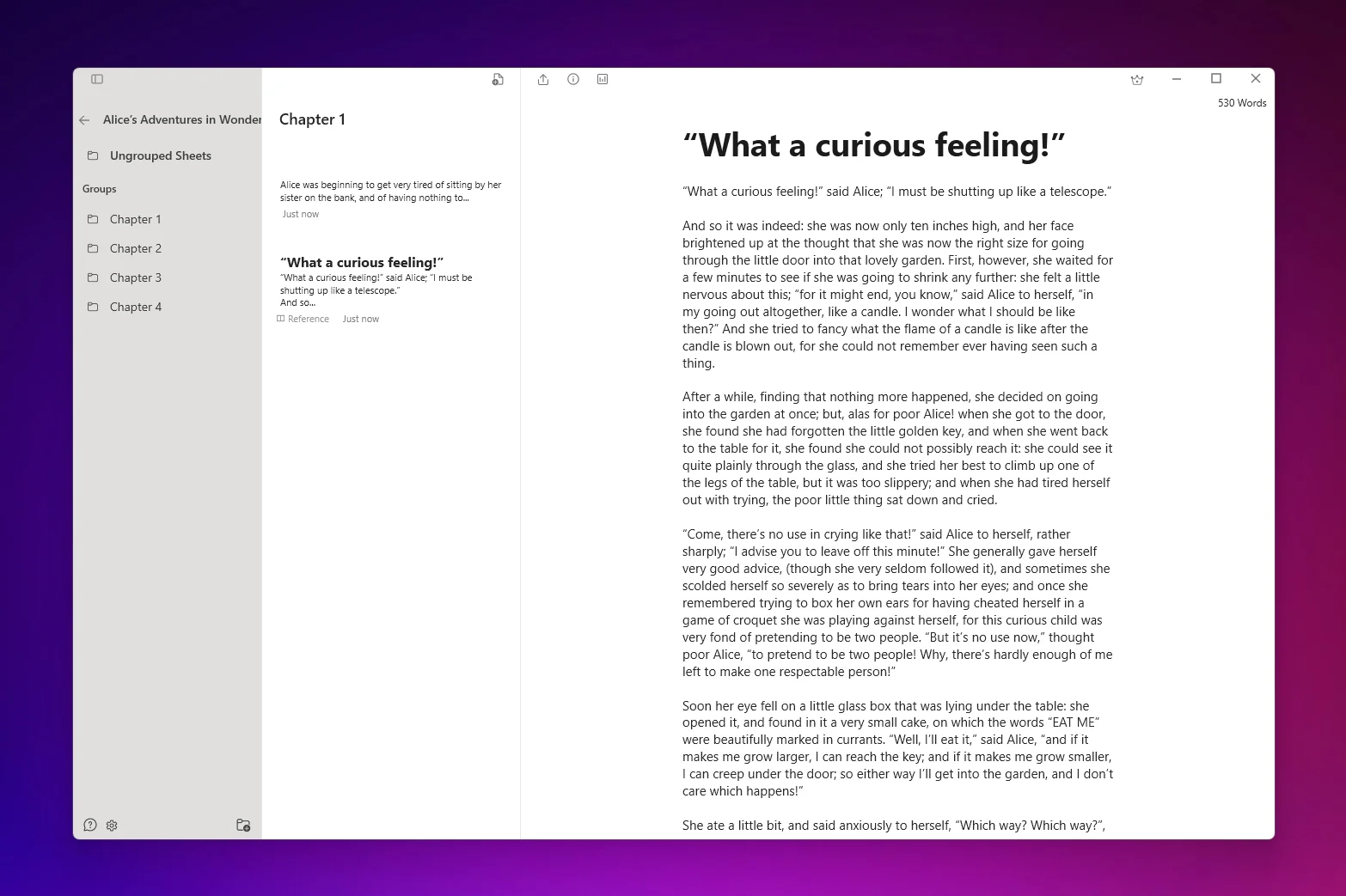
Two things make it a natural landing spot for someone leaving Ulysses:
- You own your files. QuillSpace saves your work as plain, local files on your own machine, not inside a sealed proprietary container. Your manuscript is yours, readable and movable, with no subscription required to open it later.
- It is a one-time purchase. No monthly rent for the privilege of editing your own book. There is a lifetime license, with a lower-cost yearly option if you prefer.
One honest caveat: QuillSpace uses a visual (WYSIWYG) editor rather than Markdown. If the thing you loved most about Ulysses was writing in pure Markdown, iA Writer, Obsidian, or Typora will feel more familiar. If what you wanted was organization plus focus plus ownership, QuillSpace is built for exactly that.
QuillSpace also runs on both Windows and Mac, so if you keep one foot in the Apple world or switch machines, your setup follows you.
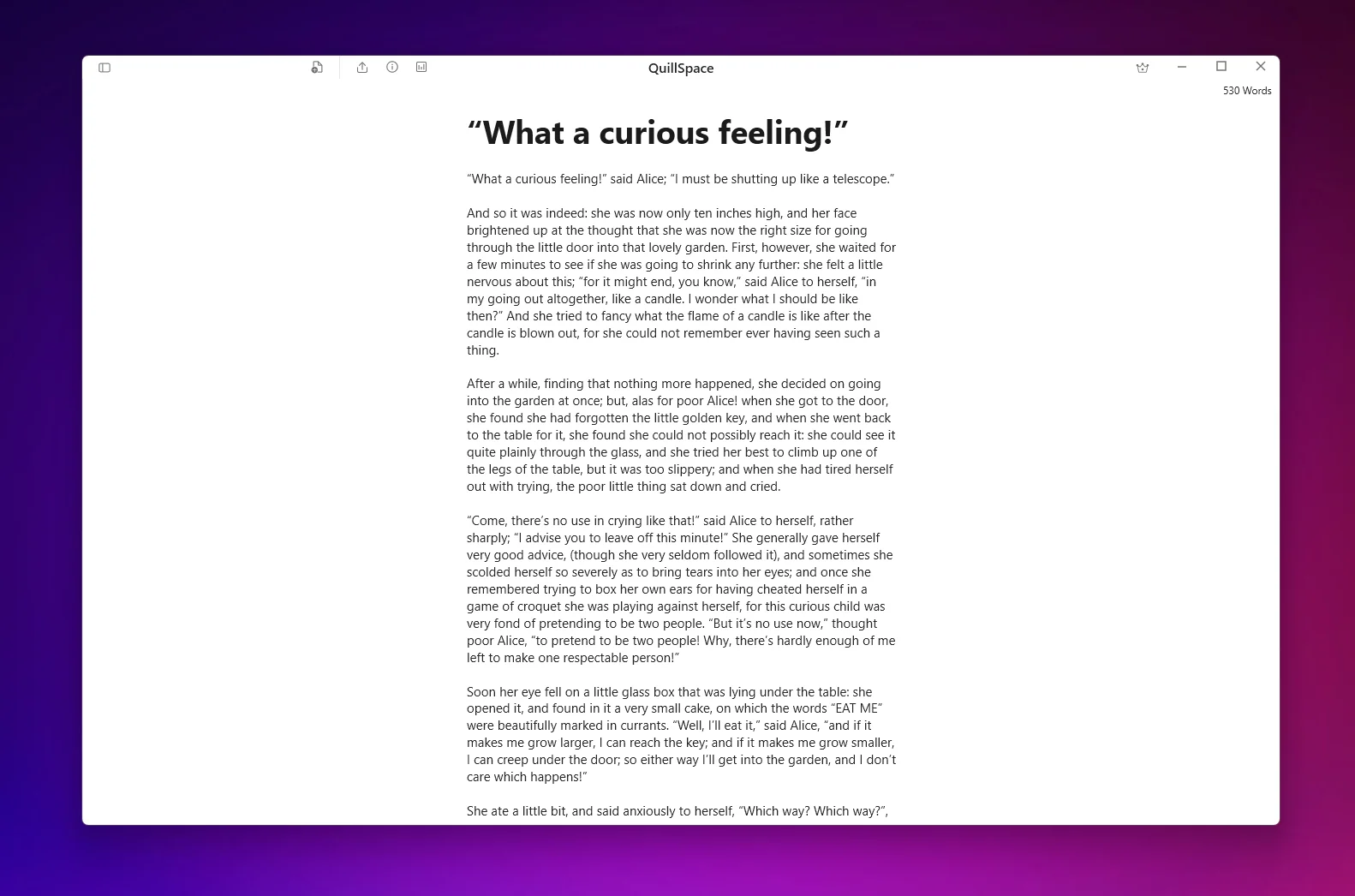
Best for: novelists and long-form writers who want Ulysses-style organization on Windows, owned outright, without Scrivener's steep climb.
How to choose
The decision comes down to one question: do you want an editor or a studio?
- If you write in shorter pieces and mostly miss the Ulysses writing surface, get iA Writer or Typora.
- If you want zero cost, total file control, and enjoy building your own setup, use Obsidian.
- If you want the most powerful project tool on Windows and have time to learn it, choose Scrivener.
- If you want a manuscript organizer you can learn quickly, that keeps your files in your hands and costs you once, try QuillSpace.
There is no universally correct answer here, only the one that fits how you work. The good news for anyone leaving Ulysses behind is that none of these will hold your writing hostage to a subscription.
Disclosure: This article is published by QuillSpace. We have done our best to keep the comparison fair, including pointing you to other tools when they fit better. Pricing and platform details for other apps are current as of early 2026 and may change; check each developer's site for the latest.
On Windows but still curious whether Ulysses itself is worth it? Read our full Ulysses App Review.